
Images look blurry when WordPress shows an image size that is smaller than the space it fills. Here’s what to check.
WooCommerce product images
- Go to Appearance › Customize › WooCommerce › Product Images.
- Increase the Main image width (single product pages) or the Thumbnail width (shop and category pages). You can also change Thumbnail cropping.
- Click Publish.
WooCommerce then creates the new image sizes automatically. On a multisite network, regenerate the thumbnails yourself, as described below.
Other images
You can change the three default WordPress image sizes in Settings › Media:
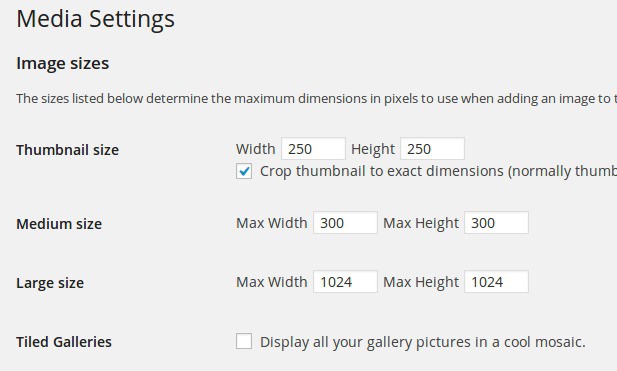
These settings only apply to images you upload after the change. To resize the images you already uploaded, install the Regenerate Thumbnails plugin and run it from Tools › Regenerate Thumbnails.
Also make sure you upload images that are at least as large as the area they fill. For the slider, see Recommended slider dimensions for our themes.